Documentation
 - Reduced
Astrometry Tool (R.A.T.)
- Reduced
Astrometry Tool (R.A.T.)
General Description
The Reduced Astrometry Tool (R.A.T.) allows generating astrometry of astrophotos using the
Astrometry.net engine,
specifically through
solve-field
and
plot-constellations.
Its main objective is to facilitate obtaining astrometry quickly and customizably, ideal for sharing on social media or saving as a visual record.
Note: This tool is not intended for scientific or professional use. For that, it is recommended to use nova.astrometry.net, which offers greater detail, precision, and persistent storage.
If you find any errors, have suggestions, or wish to collaborate, write to: Contact / Support: rat@chupacabra.cl
Main Features
- Supported formats:
.jpg,.jpegand.png - Maximum size per image: 25 MB
- Results customization: font size, number of stars, RA and Dec grid
- Customizable watermark
- Temporary storage of original and processed image
User Guide
Usage is very simple. Here are the steps:
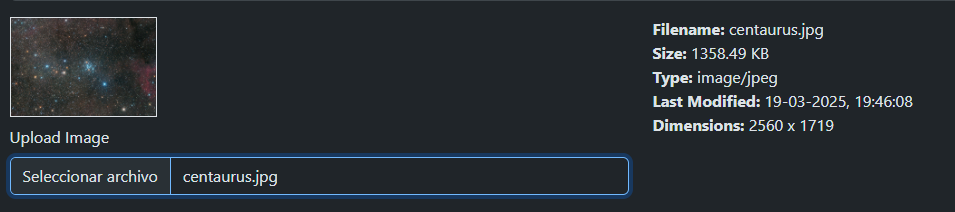
Step 1: Image Upload
Select the image you want to process. A thumbnail with its information will be displayed.
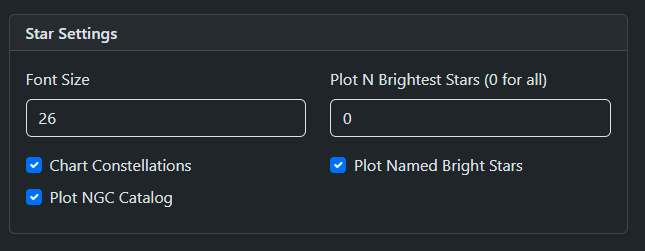
Step 2: Space Elements Options (Star Settings)
- Font Size: Text size for element labels
- Chart Constellations: Draws constellation lines
- Plot NGC Catalog: Shows objects like clusters, nebulae, galaxies
- Plot N Brightest Star: Shows the N brightest stars
- Plot Named Bright Star: Adds common names to stars
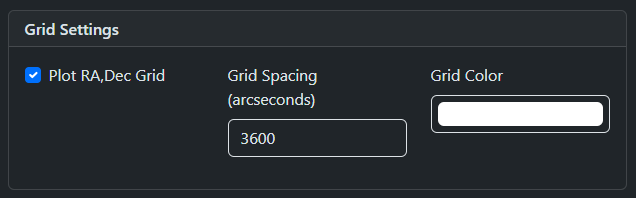
Step 3: Grid Settings
- Plot RA,Dec Grid: Activates the grid
- Grid Spacing: Spacing in arcseconds
- Grid Color: Color of grid lines
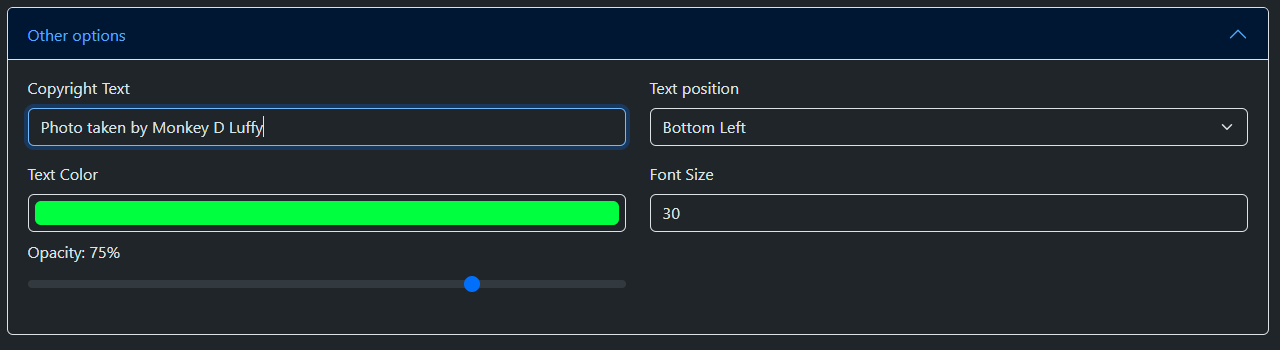
Step 4: Copyright Text (Other Options)
- Copyright Text: Text for watermark
- Text Position: Location in cardinal points
- Text Color: Text color (should contrast)
- Font Size: Font size
- Opacity: Opacity (100% = opaque, 0% = transparent)
Step 5: Process Image
Click on Upload Image. The button changes according to the process status:


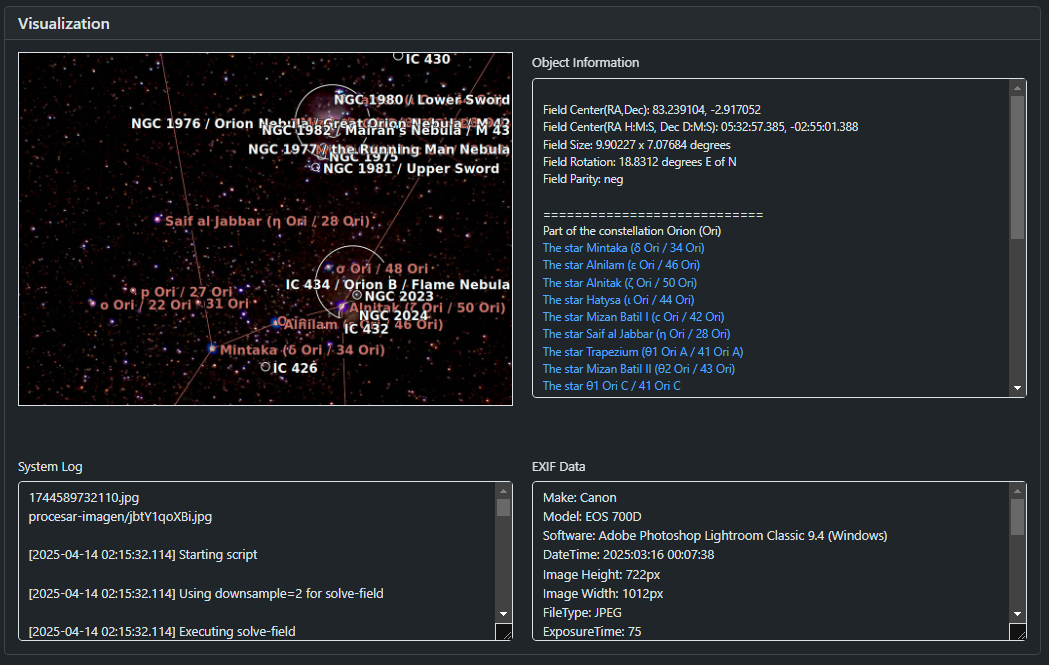
Step 6: Results
- Processed image (click to view at full resolution)
- Object Information: Position and list of identified objects
- System Log: Processing log
- EXIF Data: Technical image data
Important: If the page is closed or reloaded, the process will continue, but the automatic preview will not be shown. The image will appear in the gallery later.
Final Considerations
- Not a tool for scientific or professional use
- Images belong to their authors
- Errors in the process or missing elements may occur
- Not all existing stellar catalogs are included